Create a skribbl.io private room
Set Visibility to Private, name the room, and send the invite link. You need two players before Start will accept the room.
- Create a room: Open skribbl.io and choose Create Private Room. Check that Visibility is Private.
- Invite friends: Copy the room invite link from the room and share it with the people you want to invite.
- Start together: Wait for at least two players to join, then have the host press Start.
Research notes
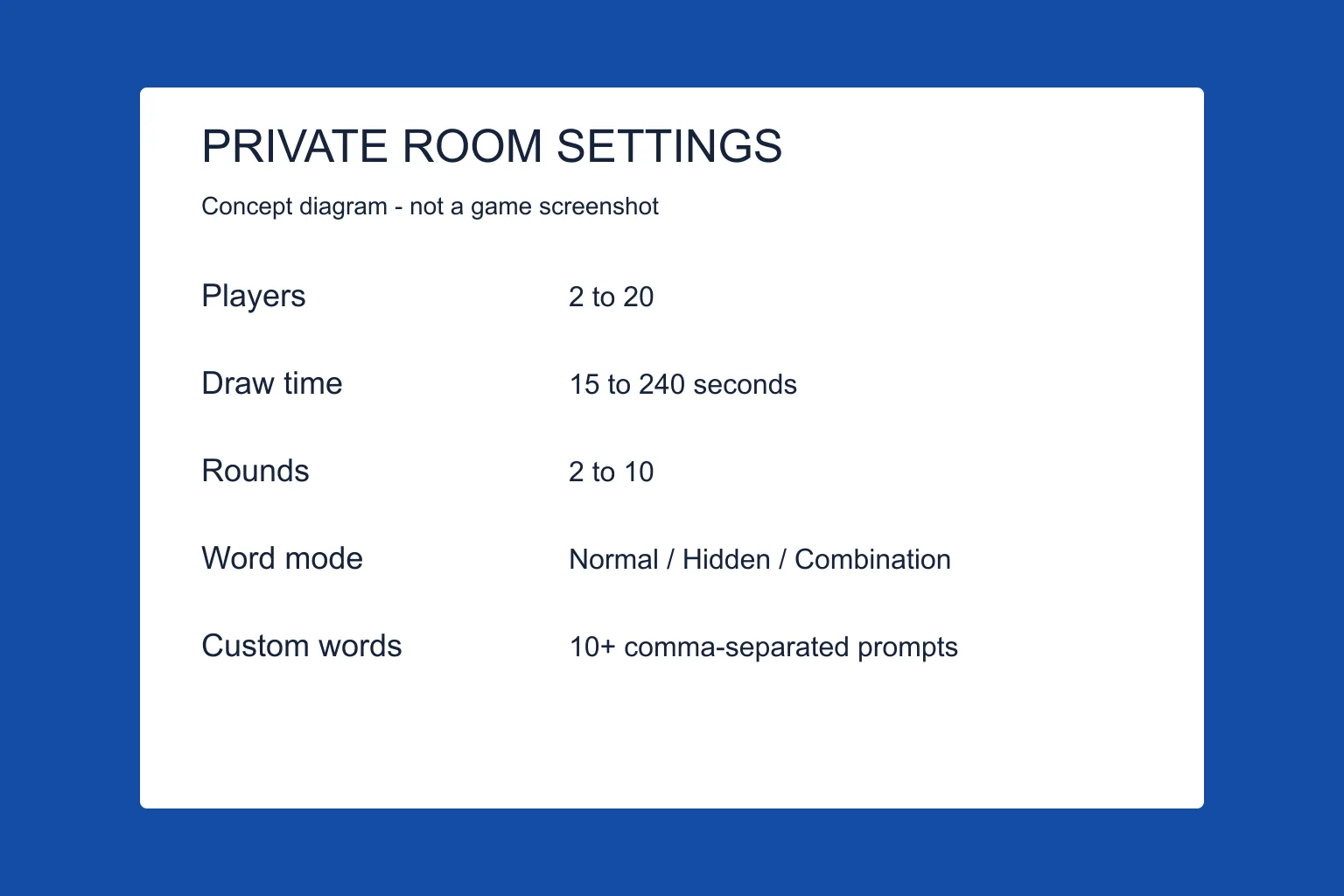
The official homepage markup and client text list Visibility Public or Private, Players 2–20, Drawtime choices from 15 to 240 seconds, Rounds 2–10, Word Mode, Word Count 1–5, and Hints 0–5. The start message requires at least two players. This source review does not claim a completed multiplayer test.
Three steps
First, choose Private so the room does not sit on the public list. Second, copy the invite from inside the room and send it to your friends. Third, wait until a second player has joined, then press Start.
The host wears the crown. The host can kick and ban. Everyone else can vote to kick, but the client says you cannot votekick the lobby owner.
| Setting | Values |
|---|---|
| Players | 2–20 |
| Draw time | 15 to 240 seconds |
| Rounds | 2–10 |
| Word count | 1–5 |
| Hints | 0–5 |
| Word mode | Normal, Hidden, Combination |
Questions
Why will Start not press?
The client blocks start with fewer than 2 players. A room of one person cannot begin.
What if the link will not copy?
That has its own page: invite link not working.
More in this topic
Sources
- skribbl.io — Official rules, dated News, room word-language menu, and custom-word input. Checked 13 October 2026; not a gameplay test.
- skribbl.io client (game.js) — Client UI and error messages, not server-side guarantees. Its 10,000-character translation conflicts with the 20,000-character homepage input.